How to Set Up Smart Home Decor: 7 Simple Steps to a Smarter Space

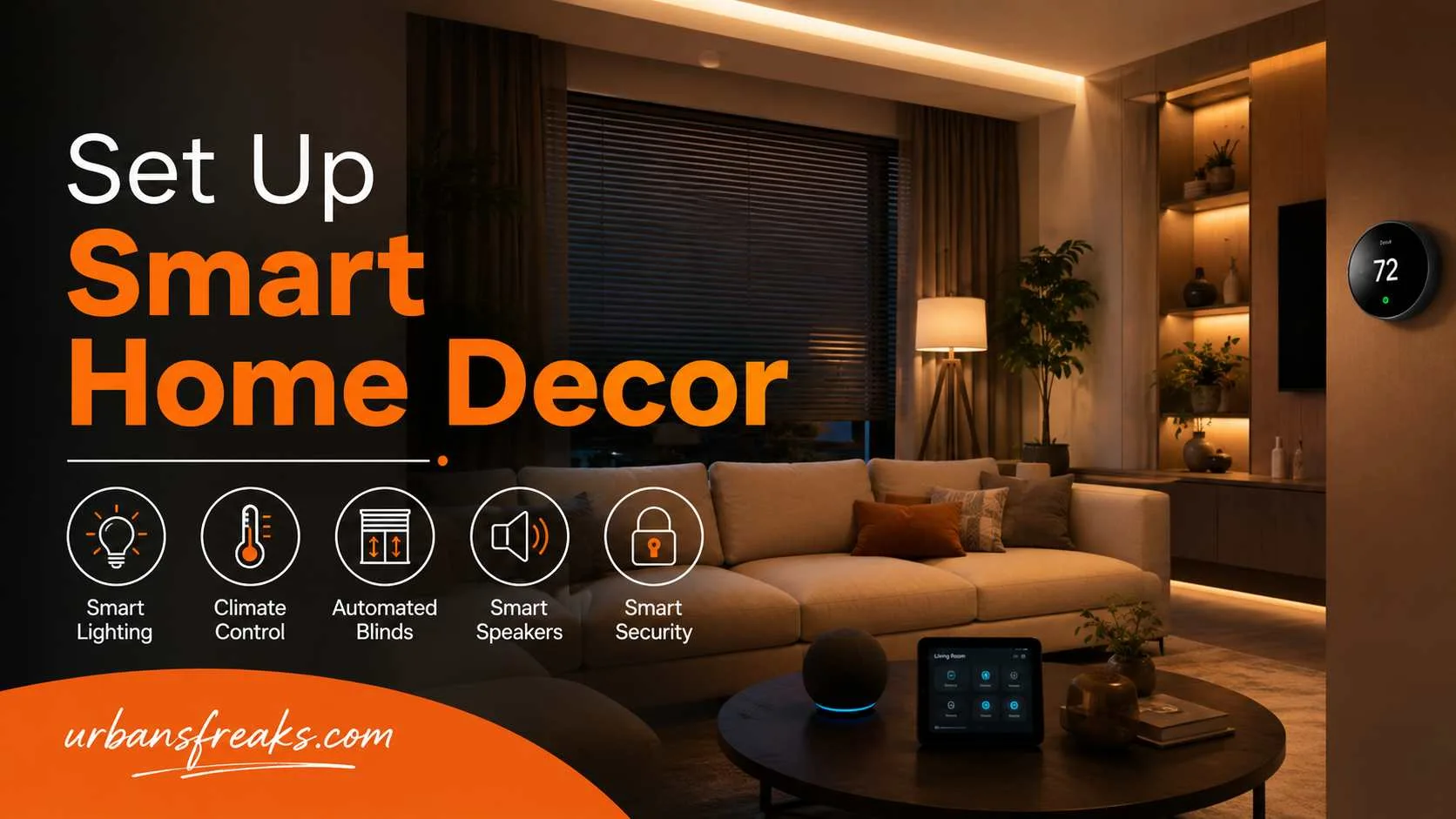
I’m Todd Lynch from Urbansfreaks, and throughout my career I’ve studied how thoughtful design shapes the way we live, work, and feel. One lesson stands out: technology should complement a home, not dominate it.
A well-planned Set Up Smart Home Decor seamlessly blends smart devices with beautiful interiors, creating spaces that feel warm, organised, and inviting. When integrated thoughtfully, smart home features enhance everyday comfort while preserving the elegance and character that make a house truly feel like home.
What Is Smart Home Decor?
Set Up Smart Home Decor r is the mix of home automation and interior design working together. It means your lighting, temperature, sound, and even your window coverings are controlled by simple apps or voice commands — but they still look like a natural part of your room, not an add-on.
The goal is comfort and style at the same time. A smart bulb that changes color is only useful if it also fits your lamp and your room’s mood.
Do You Actually Need a Smart Home Decor Setup?
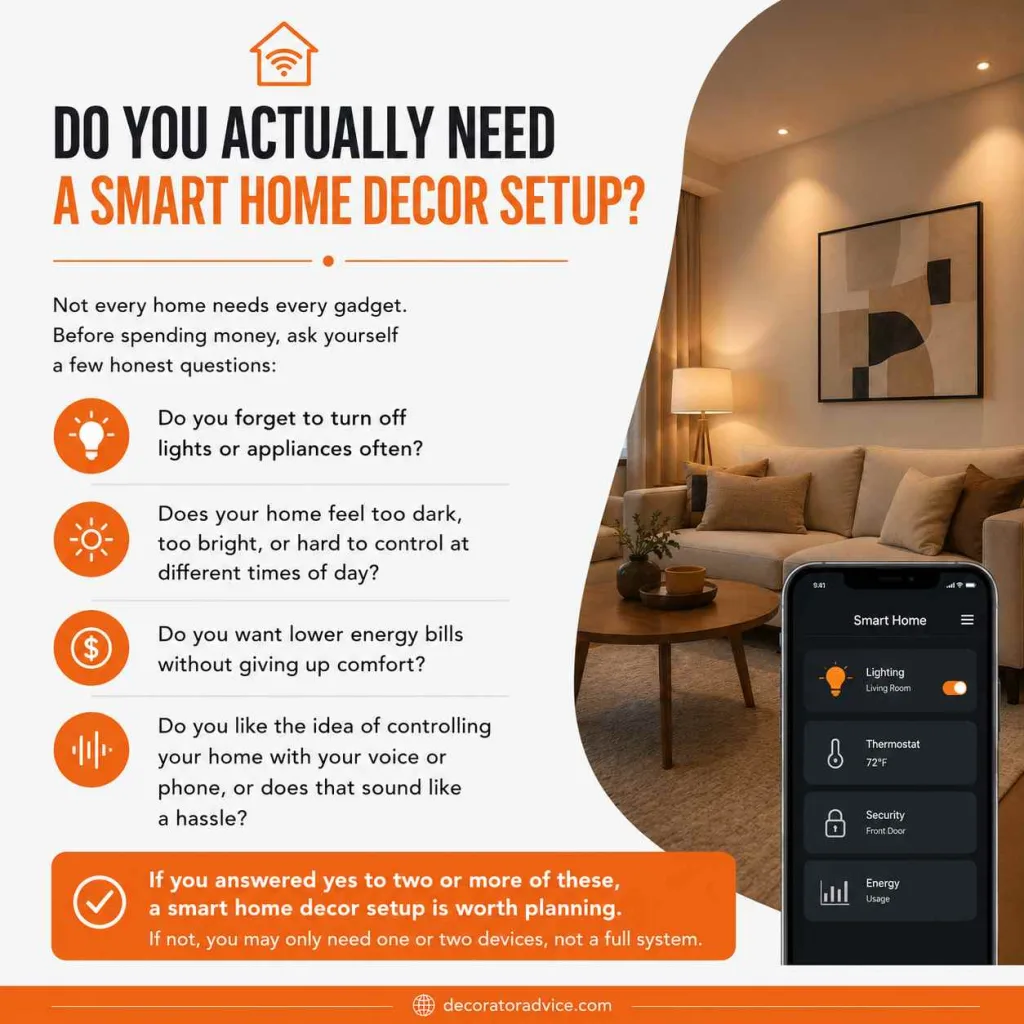
Not every home needs every gadget. Before spending money, ask yourself a few honest questions:
- Do you forget to turn off lights or appliances often?
- Does your home feel too dark, too bright, or hard to control at different times of day?
- Do you want lower energy bills without giving up comfort?
- Do you like the idea of controlling your home with your voice or phone, or does that sound like a hassle?
If you answered yes to two or more of these, a smart home decor setup is worth planning. If not, you may only need one or two devices, not a full system.
Plan Before You Buy Anything
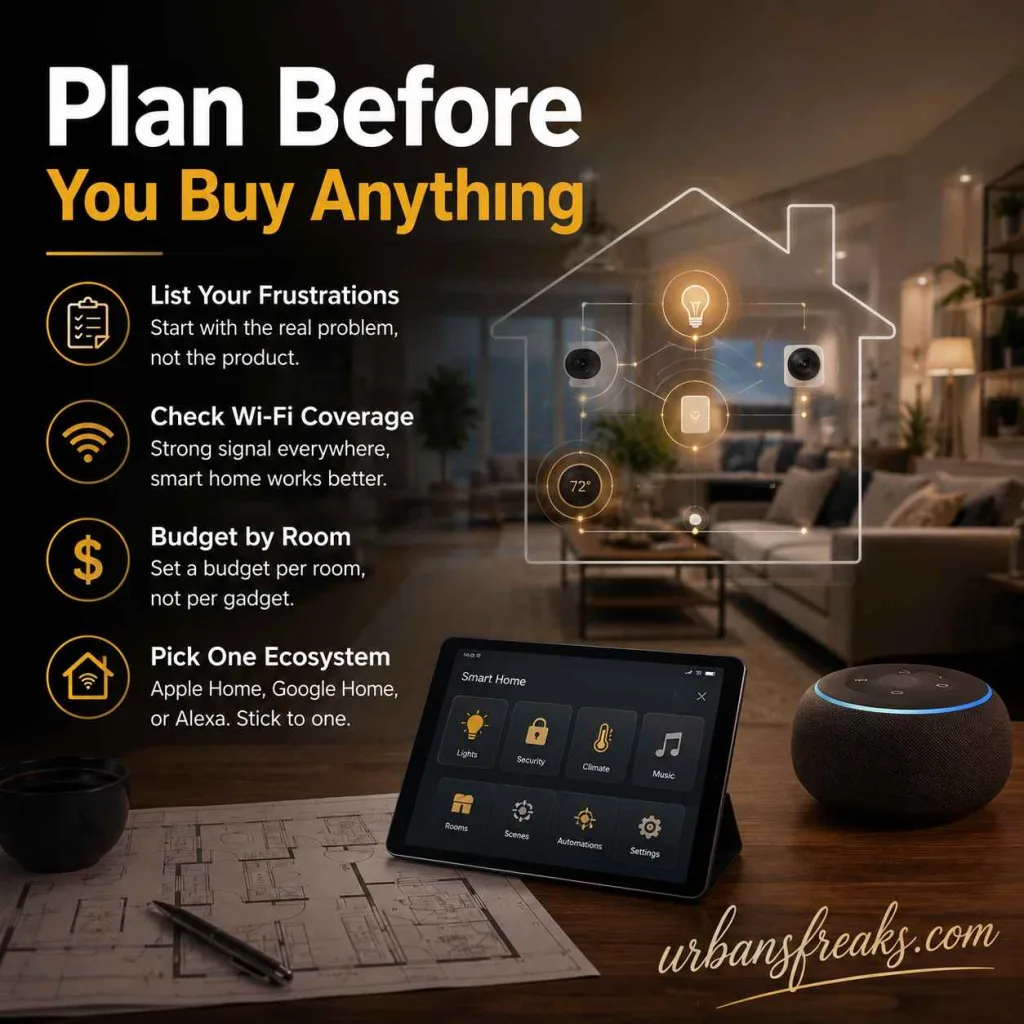
Most people make the mistake of buying gadgets first and figuring out the plan later. Do it the other way around.
- List your daily frustrations first. Start with the real problem, not the product.
- Check your Wi-Fi coverage. Smart devices need a stable signal in every room you plan to use them in. Weak Wi-Fi is the number one reason smart homes stop working properly.
- Set a budget by room, not by gadget. Decide how much you want to spend on your living room setup as a whole, then choose devices that fit inside it.
- Pick one ecosystem. Apple Home, Google Home, and Amazon Alexa all work differently. Choosing one early saves you from compatibility headaches later.
Step-by-Step: How to Set Up Your Smart Home Decor
Setting up smart home decor is simple when you follow the right order—start small, build steadily, and let each step improve your comfort.
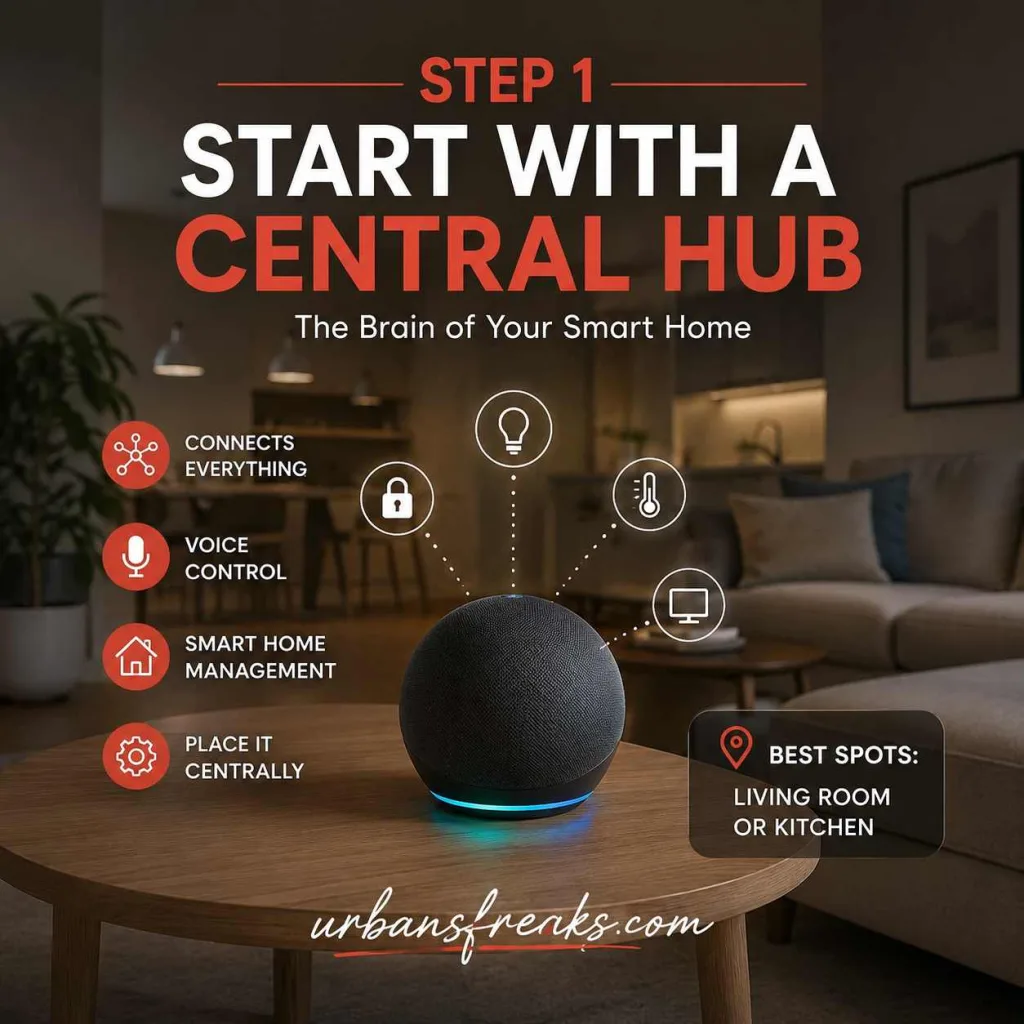
Step 1: Start With a Central Hub
Every Set Up Smart Home Decor needs one “brain” that connects everything. A smart speaker or smart display (like an Echo, Google Nest, or Apple HomePod) usually does this job. Place it somewhere central, like your living room or kitchen, so it can reach every connected device.
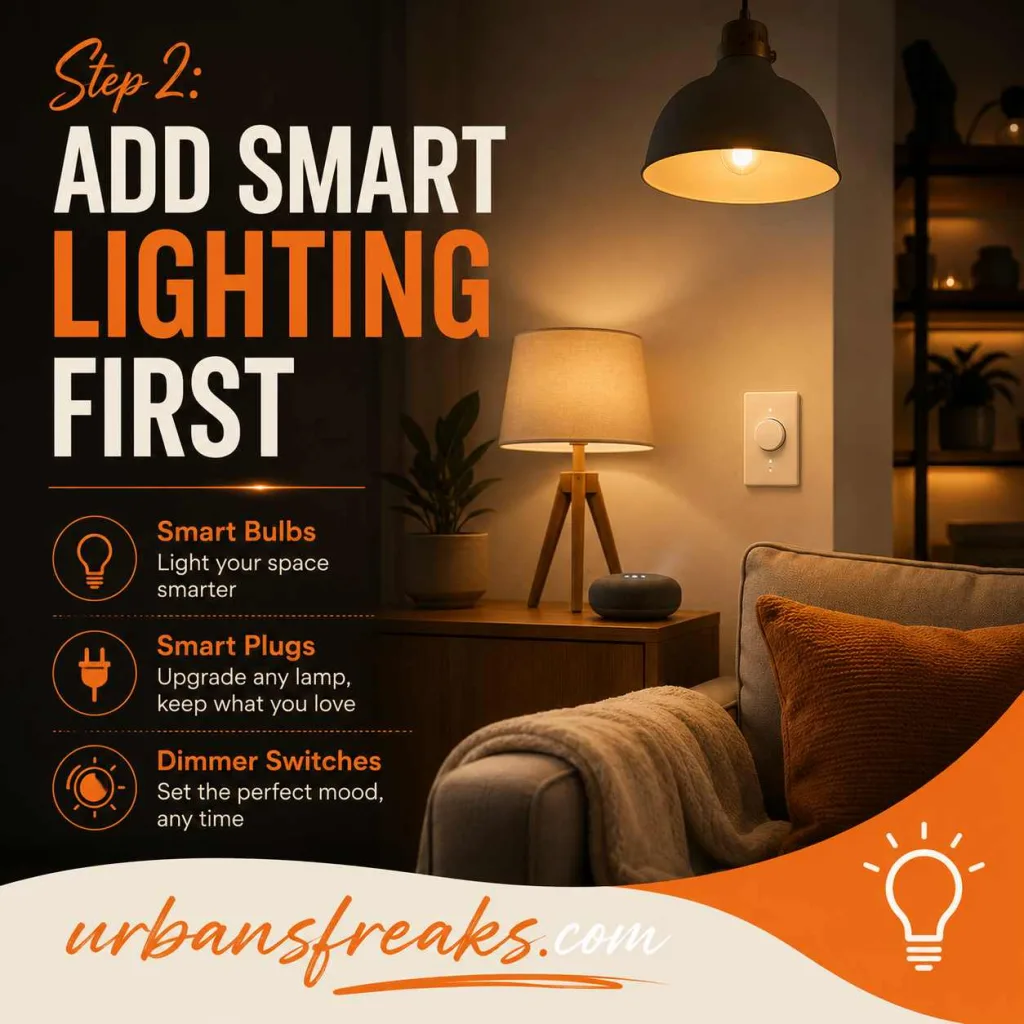
Step 2: Add Smart Lighting First
Lighting is the fastest way to change how a room feels, and it’s usually the easiest Set Up Smart Home Decor. Start with:
- Smart bulbs in your main living areas
- Smart plugs for lamps you already own (no need to replace the whole fixture)
- Dimmer switches that let you set the mood by time of day
Warm light in the evening and brighter, cooler light in the morning can genuinely improve your mood and sleep — this isn’t just decor talk, it’s basic health and wellbeing science.
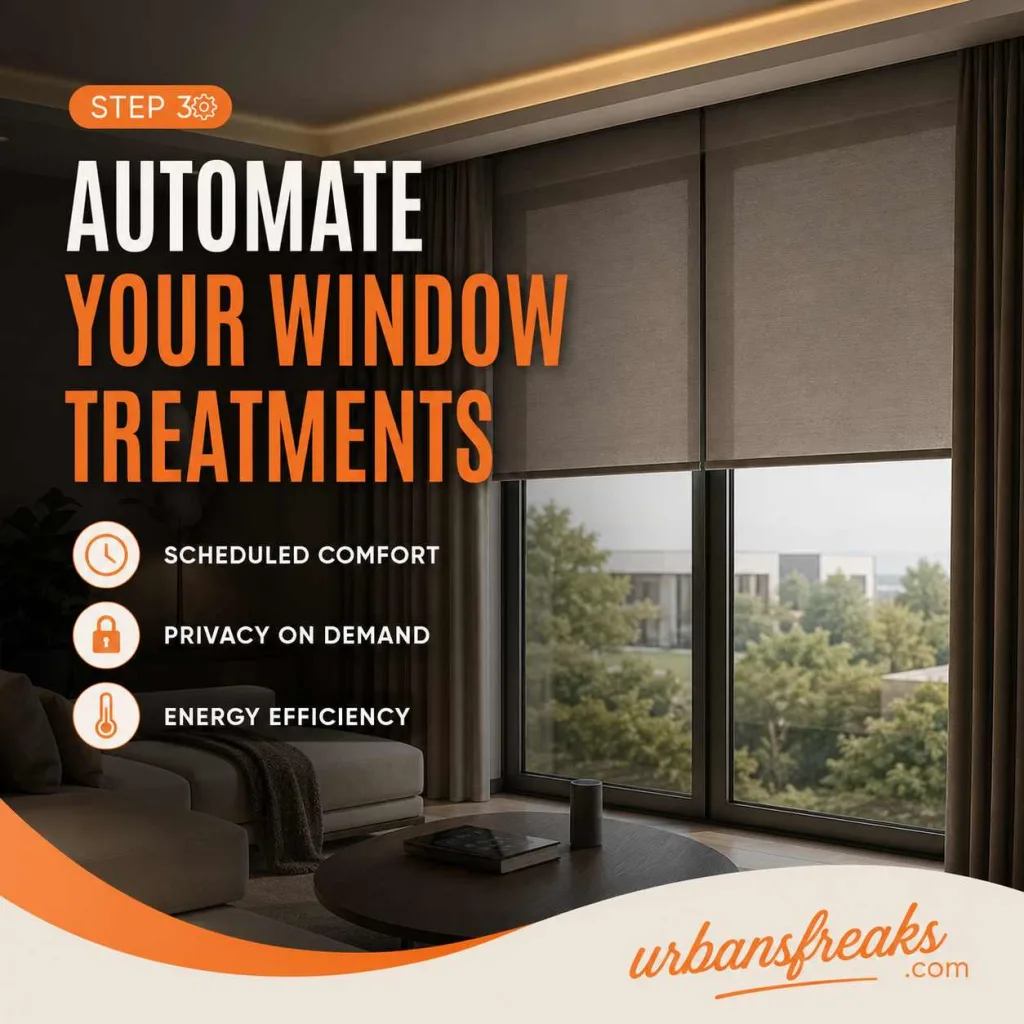
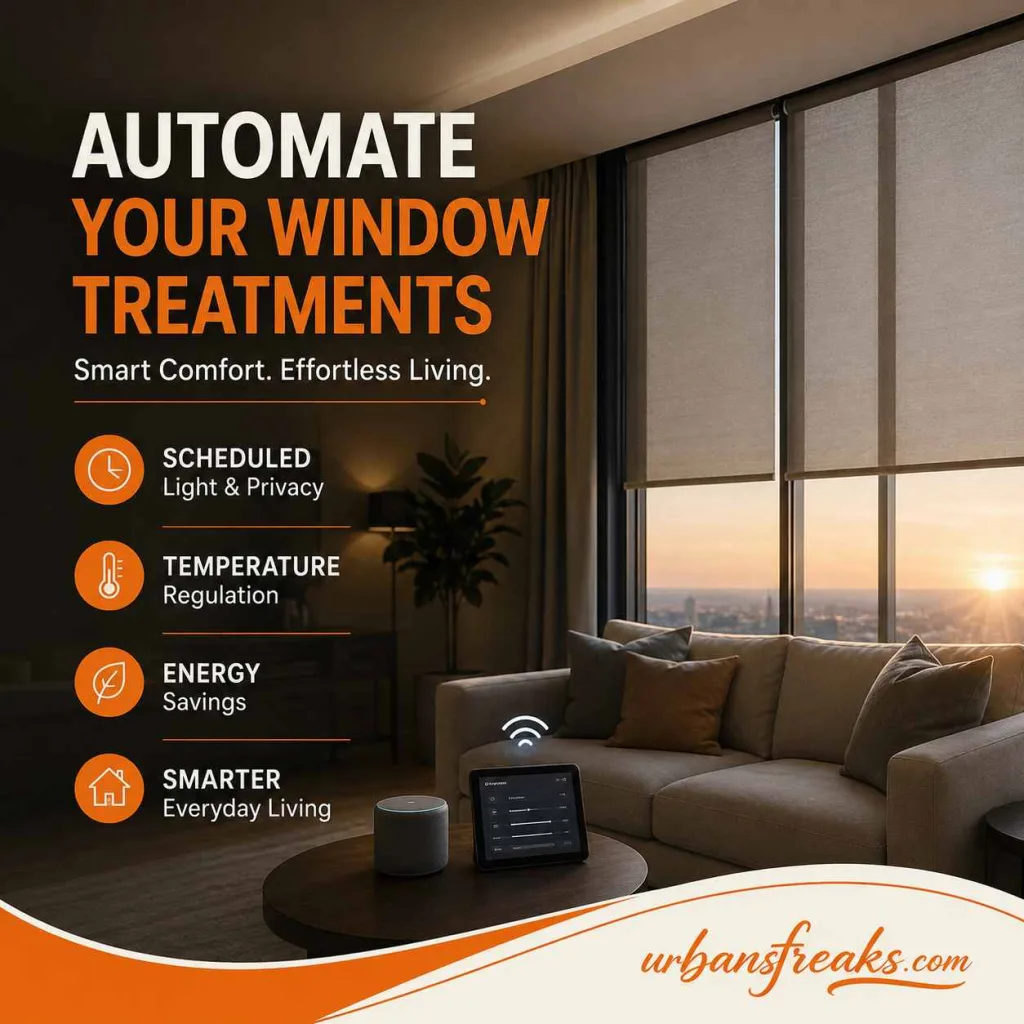
Step 3: Automate Your Window Treatments
Motorized blinds or curtains are one of the most underrated Set Up Smart Home Decor upgrades. They let natural light in when you need energy and block it out when you want privacy or rest, all on a schedule. This also helps regulate indoor temperature, which cuts down on heating and cooling costs.
Step 4: Upgrade to a Smart Thermostat
A Set Up Smart Home Decor thermostat learns your routine and adjusts the temperature automatically. According to the U.S. Department of Energy, heating and cooling account for nearly half of a typical home’s energy use, so this single device can make a real difference to both comfort and your bills.
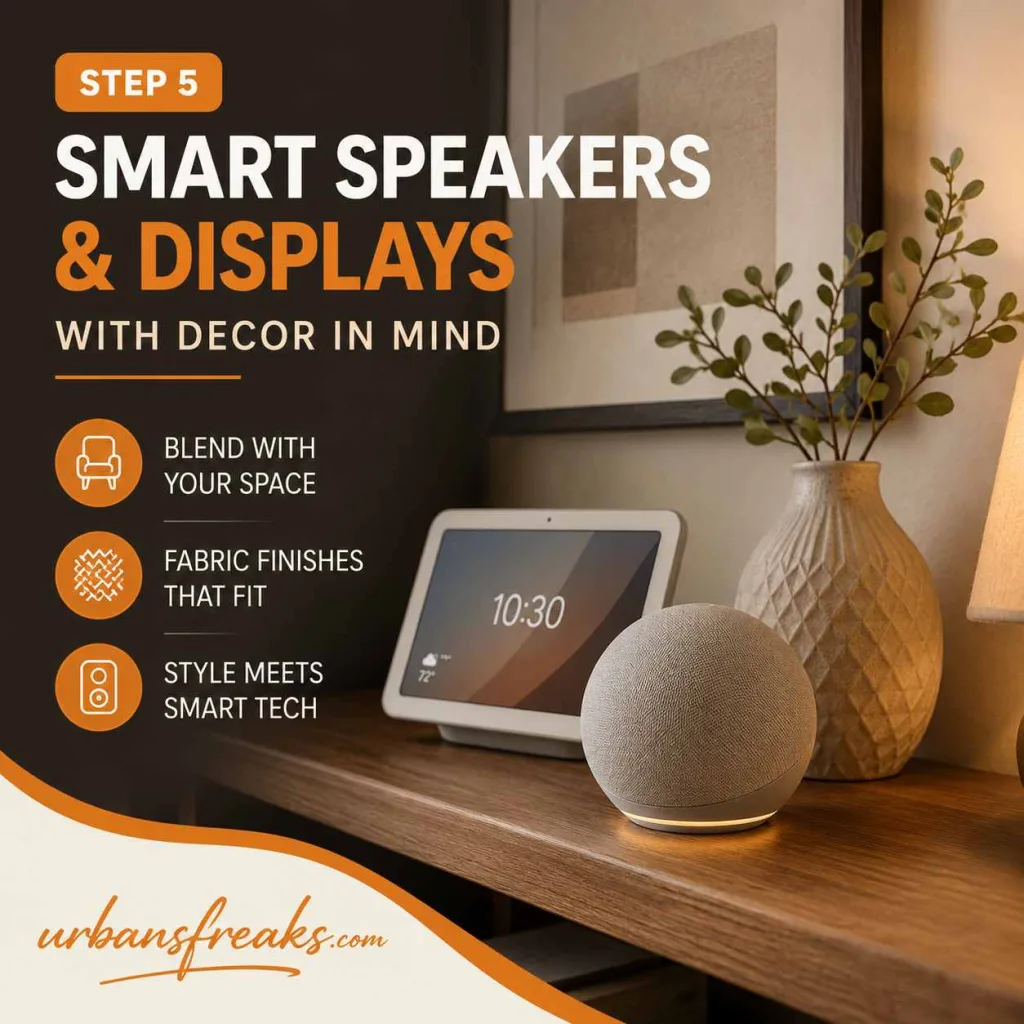
Step 5: Add Smart Speakers and Displays With Decor in Mind
Don’t just place a speaker wherever there’s an open outlet. Choose devices in colors and materials that match your room — most major brands now offer fabric finishes in neutral tones that blend into a shelf or console table instead of standing out.
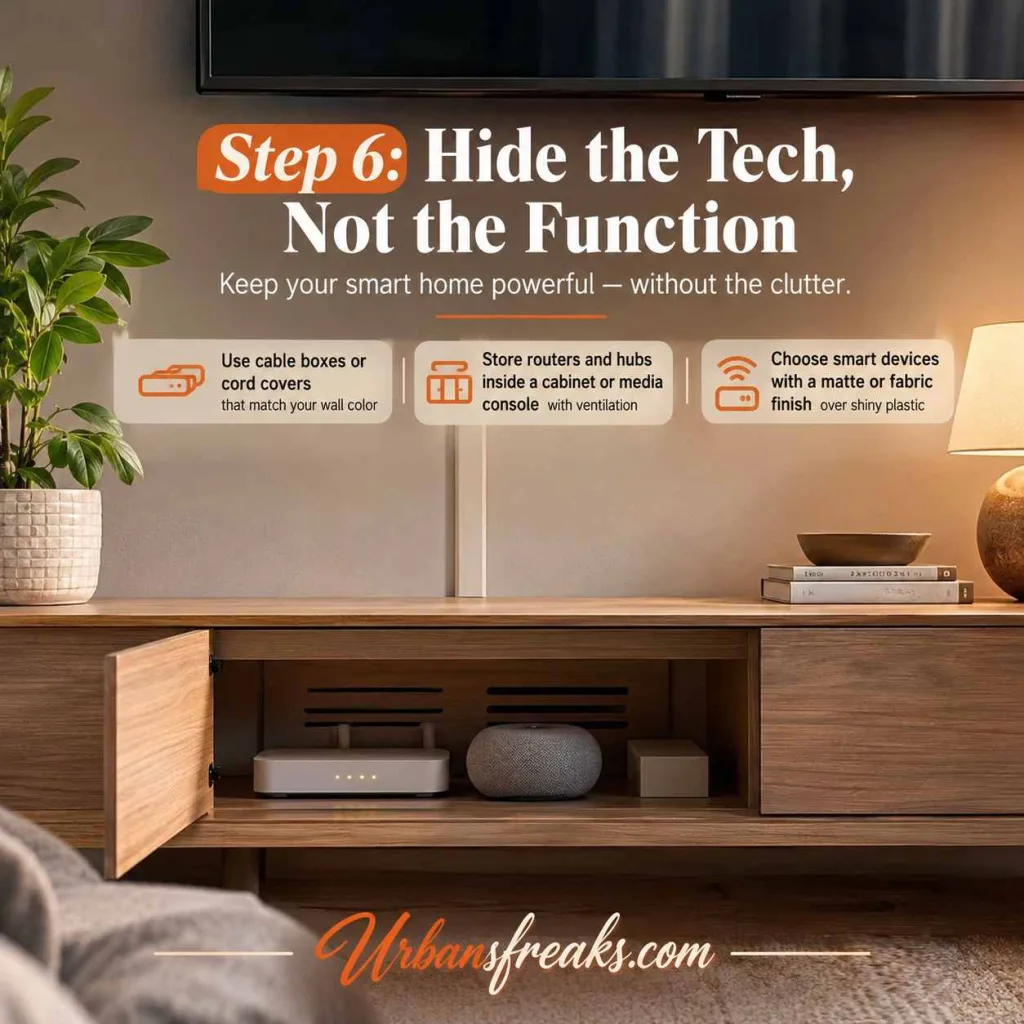
Step 6: Hide the Tech, Not the Function
This is where most smart homes go wrong while Set Up Smart Home Decor. Cables, routers, and hubs are not decor. A few simple fixes:
- Use cable boxes or cord covers that match your wall color
- Store routers and hubs inside a cabinet or media console with ventilation
- Choose smart devices with a matte or fabric finish over shiny plastic — they age better visually
Step 7: Add Smart Security Without Making It Obvious
Video doorbells, smart locks, and motion sensors are worth adding, but they don’t need to look industrial. Many brands now make security devices in brushed metal or matte finishes designed to blend with modern door hardware and trim.

Room-by-Room Set Up Smart Home Decor
Set Up Smart Home Decor blends technology with design so your space stays comfortable, functional, and beautiful without ever looking cluttered or complicated.
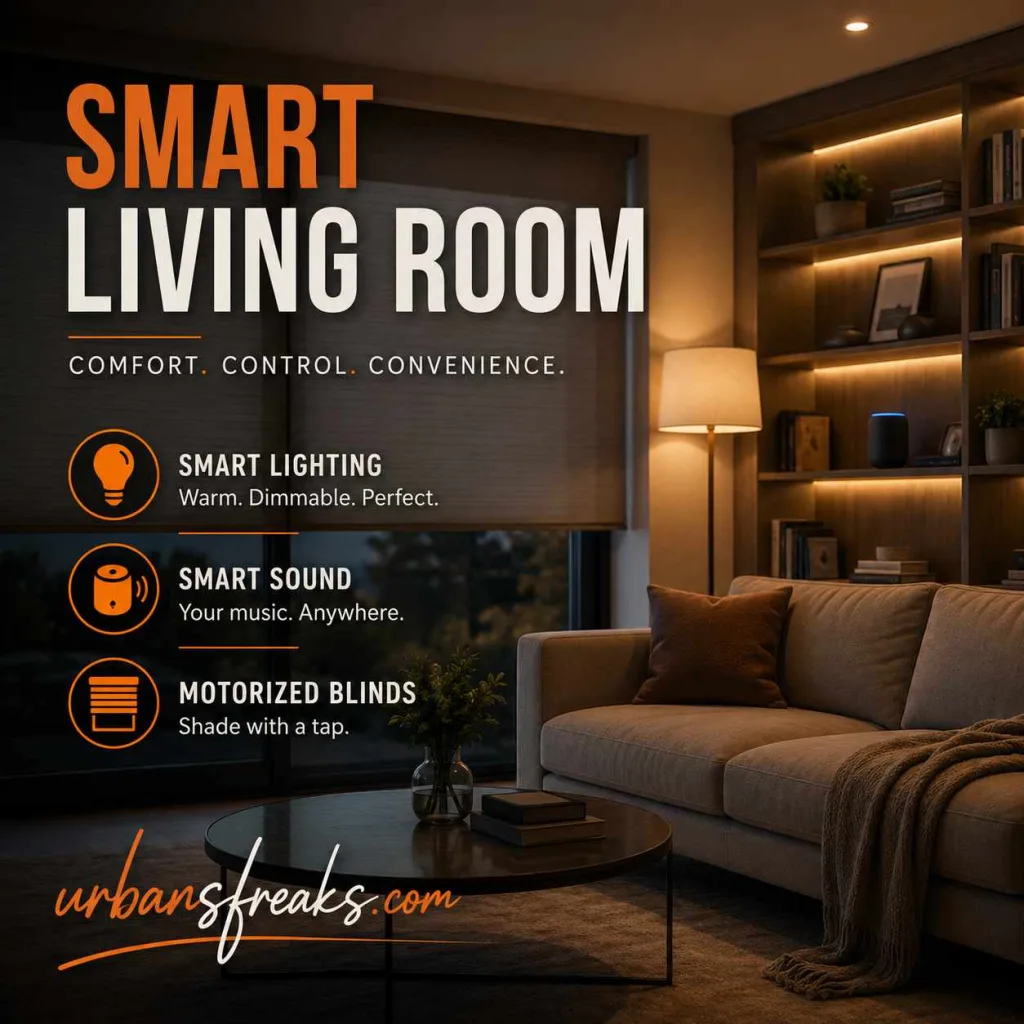
Living Room
Focus on lighting scenes and sound at Set Up Smart Home Decor. Smart bulbs with a warm dimmed setting, a smart speaker tucked onto a bookshelf, and motorized blinds make this the easiest room to start in.
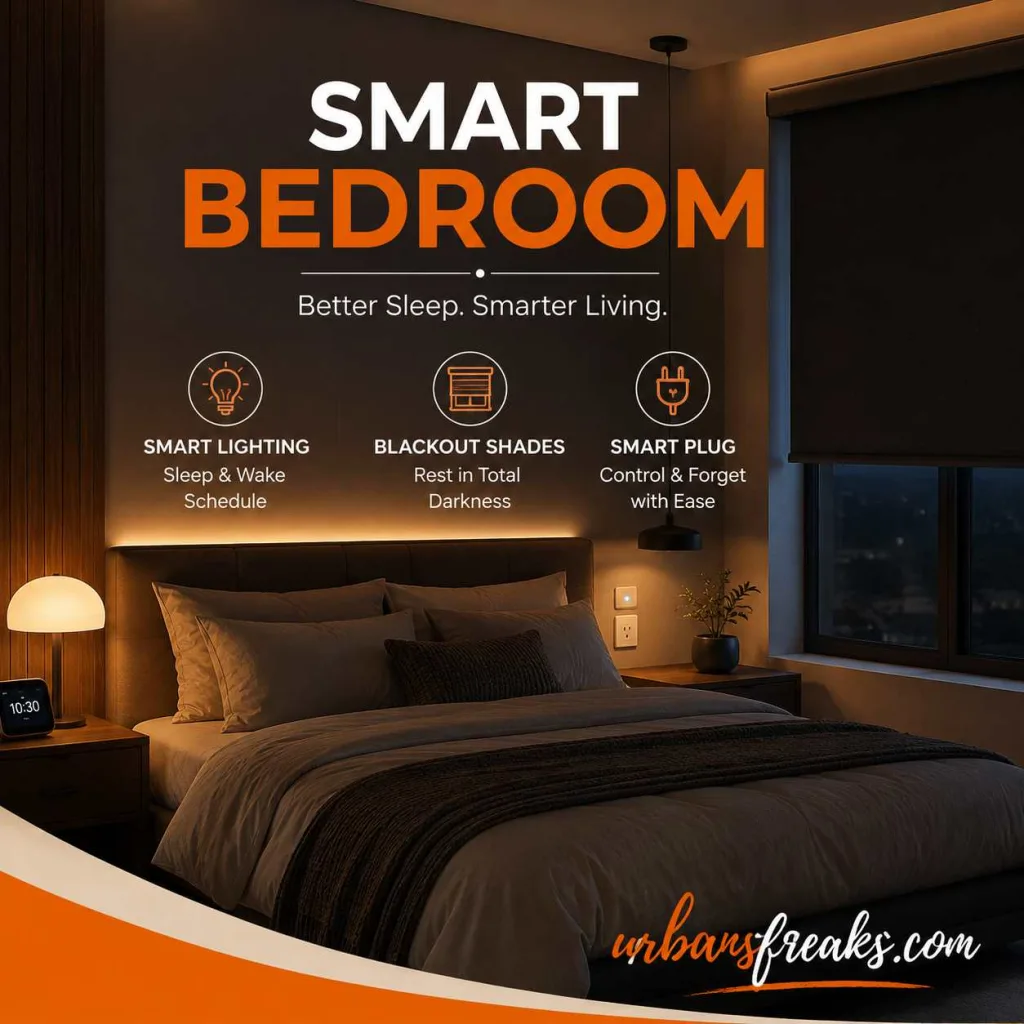
Bedroom
Prioritize sleep-friendly features: warm smart lighting on a sleep/wake schedule, blackout smart shades, and a smart plug for anything you tend to forget to turn off, like a fan or reading lamp.
Kitchen
Voice-controlled lighting and smart plugs for coffee makers or slow cookers save the most time here. Under-cabinet smart lighting also adds a clean, modern look without extra wiring.

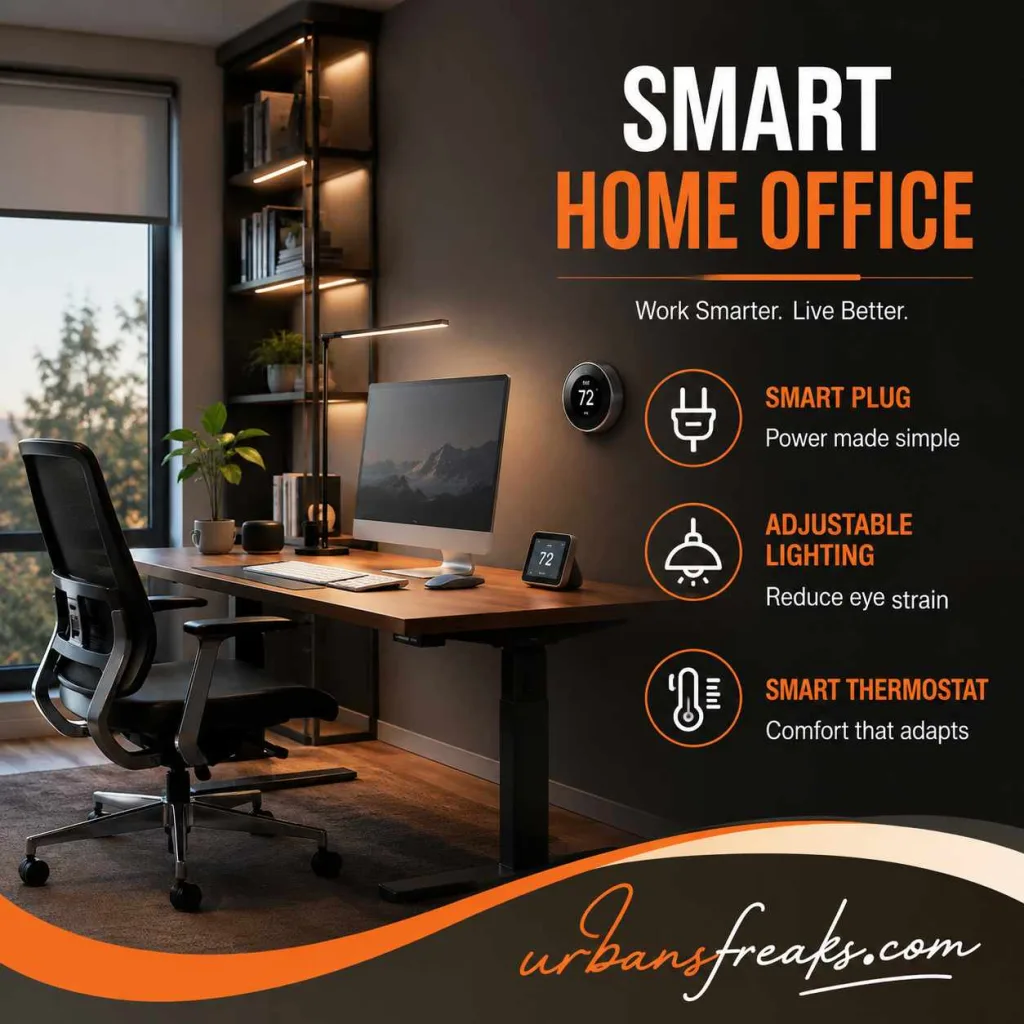
Set Up Smart Home Decor Home Office
A smart plug for your desk Set Up Smart Home Decor, adjustable lighting to reduce eye strain, and a smart thermostat zone (if your system supports zoning) make the biggest difference in comfort and focus.
Set Up Smart Home Decor: Quick Comparison Table
| Category | What It Does | Good Starting Point |
|---|---|---|
| Lighting | Sets mood, saves energy | Smart bulbs + smart plugs |
| Climate | Automatic comfort control | Smart thermostat |
| Window treatments | Light and privacy control | Motorized blinds |
| Speakers/displays | Voice control, music, hub function | Fabric-finish smart speaker |
| Security | Safety and monitoring | Video doorbell, smart lock |
How Much Does a Smart Home Decor Setup Cost?
Costs vary a lot depending on how far you go:
- Starter setup (a few smart bulbs, one smart plug, one speaker): usually the most affordable entry point
- Mid-range setup (lighting across two to three rooms, a smart thermostat, motorized blinds in one room): a moderate investment that covers the most-used spaces
- Full-home setup (whole-house lighting, climate zoning, security, and window automation): the biggest investment, best done in phases room by room
The smartest approach is to start with one room, live with it for a few weeks, and expand once you know what you actually use.
Common Mistakes to Avoid in Set Up Smart Home Decor
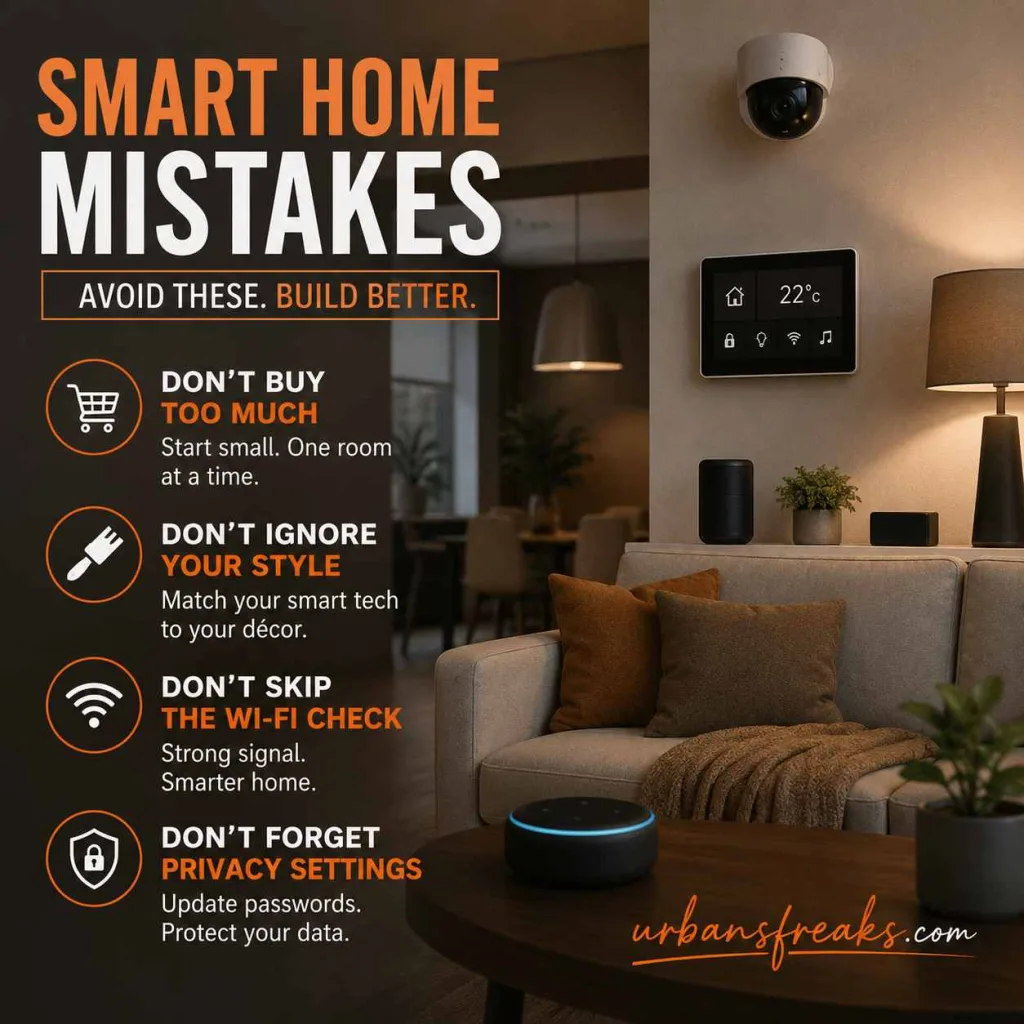
- Buying too many devices at once. Start with one room, get it right, then expand.
- Ignoring your décor style. A sleek black gadget looks out of place in a warm, rustic living room. Match finishes and colors on purpose.
- Skipping the Wi-Fi check. A smart home with a weak signal is more frustrating than no smart home at all.
- Forgetting about privacy settings. Always update default passwords and check what data each device collects.
Frequently Asked Questions About Set Up Smart Home Decor
Do I need a professional to set up smart home decor?
Most lighting, plugs, and speakers are designed for DIY setup. Thermostats and motorized blinds sometimes need an electrician, especially in older homes with outdated wiring.
Will smart devices work if my internet goes down?
Most basic functions like light switches will still work manually, but voice control, scheduling, and remote access need an internet connection.
Can I mix brands in one smart home decor setup?
Yes, as long as they support the same platform (Apple Home, Google Home, or Alexa). Checking compatibility before buying saves a lot of frustration later.
Why This Matters Beyond Convenience
As an architect, I care about more than gadgets working — I care about how a space makes people feel. Good lighting, comfortable temperature, and a calm, clutter-free environment all support better sleep, lower stress, and better focus at home. The has long pointed to design choices like natural light and air quality as direct contributors to occupant wellbeing, and smart technology, used well, can support exactly that — quietly, in the background, without taking over your decor.[ Source : American Institute of Architects ]
Final Thoughts
A smart home decor setup done well should be almost invisible. You shouldn’t notice the technology — you should just notice that your home feels more comfortable, calmer, and easier to live in. Start small, plan your rooms before your gadgets, and always choose devices that match how your home actually looks, not just how they’re marketed.